
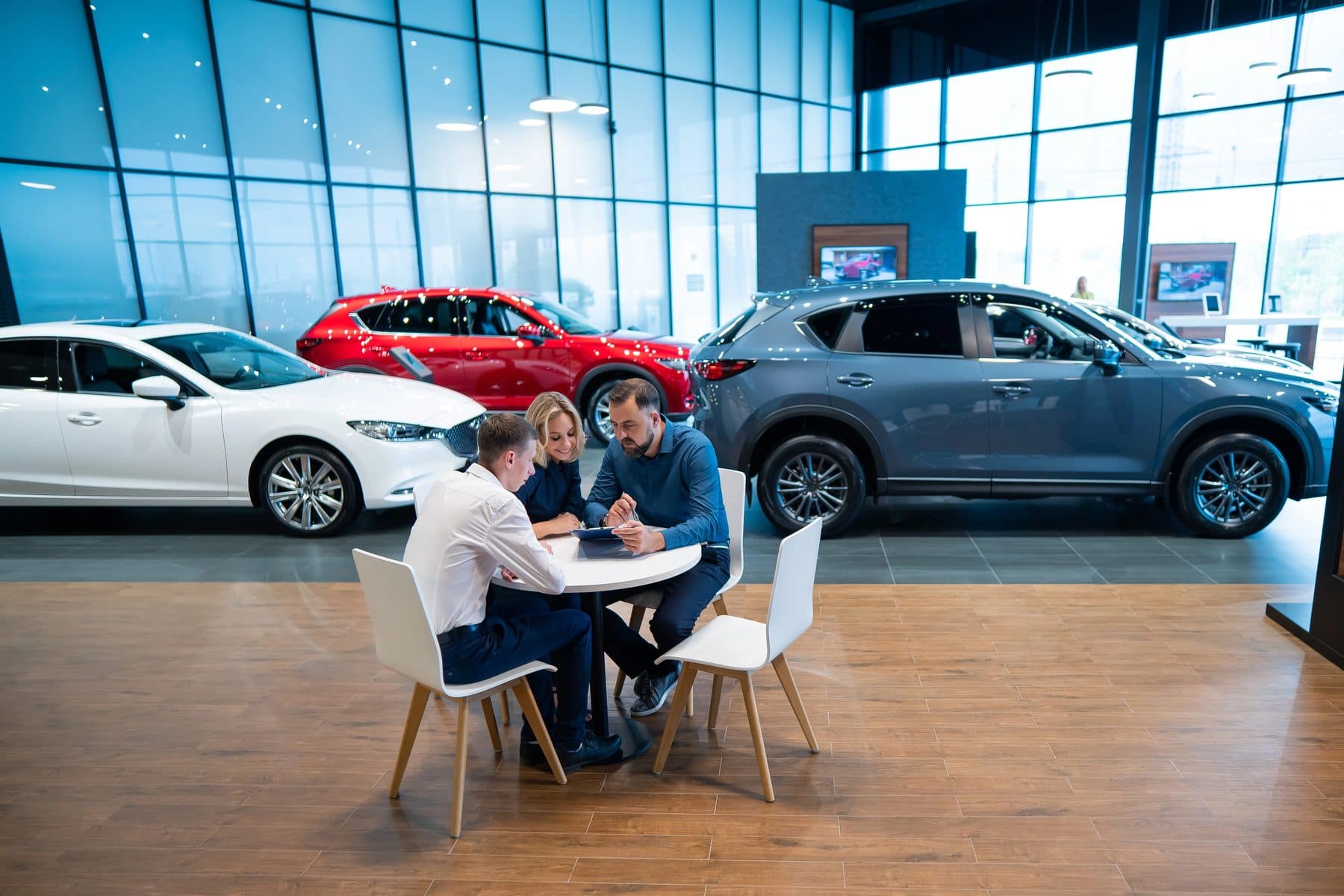
Ask a service advisor about the Wi-Fi and you'll hear the same story at almost every store: it's fine at the desk, it's spotty in the bays, and it disappears near the back wall. Meanwhile the technicians' tablets, diagnostic tools and programming stations all depend on it.
Dealership buildings are hard on Wi-Fi. Here's why, and what fixes it.
Why service bays kill Wi-Fi
- Metal everywhere. Vehicles, lifts, tool chests and steel roof structures reflect and block wireless signals.
- Big open spaces with high ceilings. An access point mounted high above the bays spreads its signal thin by the time it reaches a tablet under a car.
- Distance. Many stores were wired with access points for the showroom and offices, and the shop was an afterthought.
- Too many devices on one access point. Tablets, scanners, phones and diagnostic tools all competing at shift change.
The fix: design it, don't add to it
The usual response is buying another access point and plugging it in wherever there's an outlet. It rarely helps for long. A dealership network that works starts with a plan:
1. A site survey. Walk the building with a measurement tool and map where coverage is strong and weak, including inside the bays and on the lot.
2. Access points where the work happens. Mount them over the bay rows and the service drive, not just in the ceiling of the showroom. Use outdoor-rated units for the lot.
3. Wired backhaul. Every access point should have its own cable back to the network. Wireless "mesh" links between access points cut speed, and the shop is the worst place for them.
4. Enough capacity for shift change. Size the network for every tablet and phone connecting at once, not the average.
Separate networks for separate jobs
Coverage is half the job. The other half is keeping the wrong devices apart. A dealership network should have separate segments for:
- Business systems: DMS, CRM, F&I, accounting
- Shop equipment: diagnostic and programming stations, tablets, tire and alignment machines
- Manufacturer systems: whatever the OEM requires, set up to their standard
- Phones: so call quality isn't affected by a big download
- Customer Wi-Fi: internet only, nothing else, with limits on how much each device can use
- Cameras and building systems: on their own, because they're rarely updated
If a customer's infected laptop joins the lounge Wi-Fi, it should have no path to a computer holding credit applications. That's not just good practice; it's part of what the FTC Safeguards Rule expects. More on that in securing the F&I office.
Don't forget the internet connection
The best Wi-Fi in the world doesn't help when the internet line is down. A second internet connection from a different provider, with automatic failover, keeps deals funding and ROs opening when the main line goes out. In Southwest Florida, with storms and construction crews cutting lines, it pays for itself quickly.
What it should feel like
When the network is right, nobody talks about it. Advisors walk the drive with a tablet, technicians pull up repair information under the car, and the lounge Wi-Fi works without anyone worrying about what it can reach.
We design and manage dealership networks for franchise stores across Sarasota, Manatee and Charlotte counties. See how we support dealerships, or book a 15-minute call and tell us where your Wi-Fi drops.